SSO example: Authentik
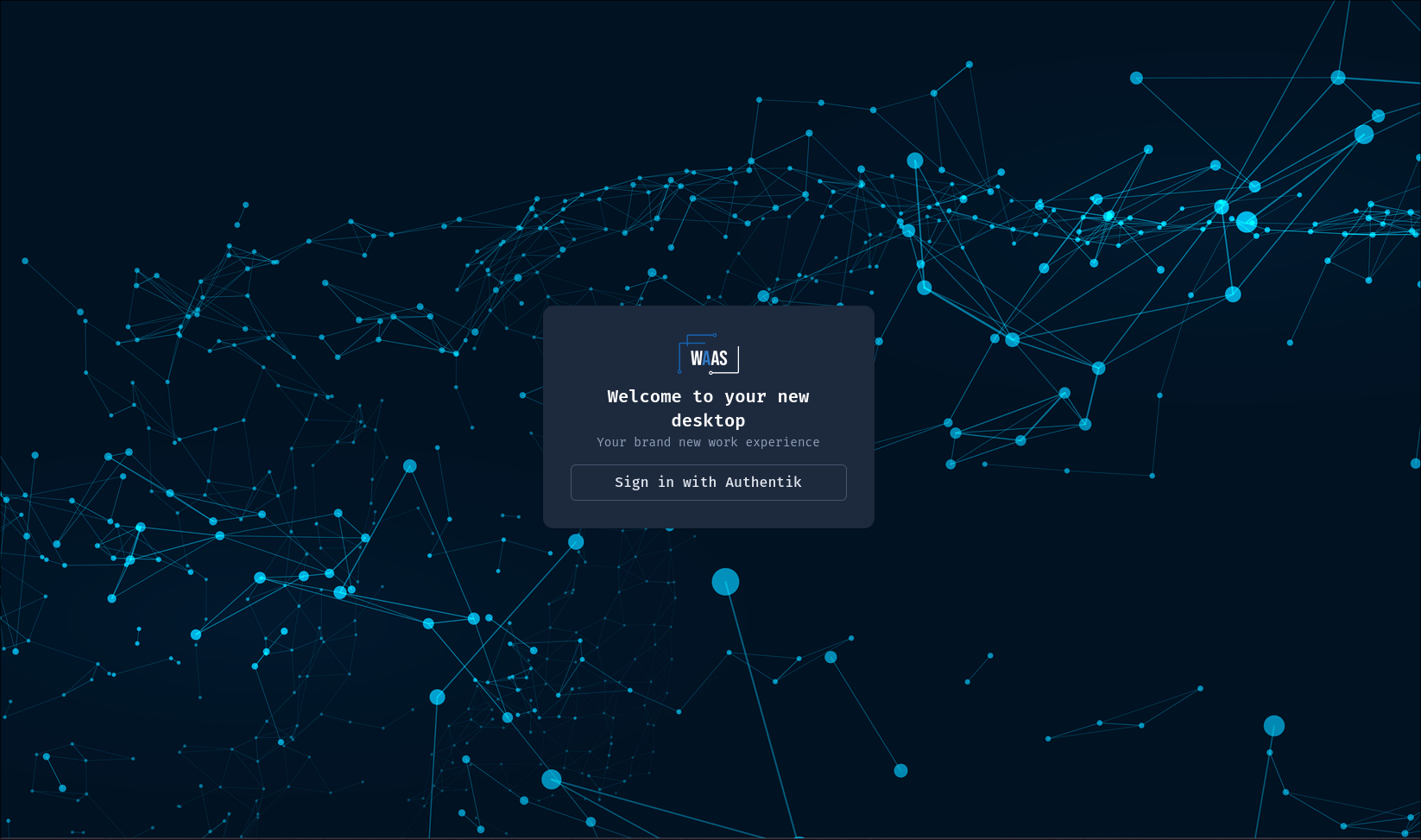
A complete, working OIDC configuration with Authentik as the IdP. The general knobs are described in Configuration → Authentication; this page is the end-to-end recipe. Any OIDC-compliant IdP follows the same shape — only the provider-side clicks differ.
Throughout, replace authentik.example.com (the IdP) and
waas.example.com (the platform).
1. Create the provider in Authentik
Applications → Providers → Create → OAuth2/OpenID Provider:
| Setting | Value |
|---|---|
| Authorization flow | default-provider-authorization-explicit-consent (or implicit) |
| Client type | Confidential |
| Redirect URI (strict) | https://waas.example.com/api/v1/auth/oidc/callback |
| Signing key | any RS256 key (e.g. the built-in self-signed certificate) — required, the id_token must be signed |
| Scopes (property mappings) | keep the defaults: openid, email, profile |
| Subject mode | keep the default (hashed user ID) — see the warning below |
Note the generated Client ID and Client Secret.
No custom property mapping is needed: Authentik's default profile
scope already carries preferred_username (WaaS's default username
claim) and groups (WaaS's default groups claim), and WaaS requests
exactly openid profile email by default.
WaaS binds each account to the id_token's sub claim at first login
(the username claim is only a provisioning hint). Changing the
provider's Subject mode later changes every sub, unbinds every
account, and subsequent logins are refused as link conflicts.
The login flow uses PKCE (S256) and a nonce — standard OIDC, enabled in Authentik out of the box; nothing to configure.
2. Create the application
Applications → Applications → Create: name WaaS, slug waas,
provider = the one above.
The slug determines the issuer URL Authentik serves:
https://authentik.example.com/application/o/waas/
(Check it: https://authentik.example.com/application/o/waas/.well-known/openid-configuration
must answer.)
3. Groups for policies and the admin role
Authentik groups arrive in the groups claim and are mirrored into the
user record at every SSO login — they are what
WorkspacePolicy subjects match against,
by exact name.
- Create your policy groups (e.g.
data-team) and assign users; aWorkspacePolicywithsubjects: [{kind: Group, name: data-team}]now targets them. - Create an admin group (e.g.
waas-admins) and list it inadminGroupsbelow: its members get the platform admin role, synced at every login (removed from the group ⇒ demoted at next login).
4. Helm values
Put the client secret in a Secret first:
kubectl create secret generic waas-oidc \
  --from-literal=client-secret='<client secret from step 1>'
apiServer:
  oidc:
    issuerURL: https://authentik.example.com/application/o/waas/
    clientID: "<client ID from step 1>"
    clientSecretRef: { name: waas-oidc, key: client-secret }
    redirectURL: https://waas.example.com/api/v1/auth/oidc/callback
    groupsClaim: groups # authentik default — explicit for clarity
    adminGroups: [waas-admins]
    providerName: authentik # label on the login button
    disableLocalLogin: false # see below before flipping to true
helm upgrade, and the login page shows a "Sign in with authentik"
button next to (or instead of) the local form.
Every connection field also has a *SecretRef variant
(issuerURLSecretRef, clientIDSecretRef, redirectURLSecretRef) if
you sync the whole OIDC config in through one ExternalSecret.
5. Verify
- Log in through the button with a test user.
- Admin console → Users: the account exists with its Authentik groups mirrored.
- Same page, effective-policy view: replay the policy resolution
for that user — the expected
WorkspacePolicymust win. - A member of
waas-adminssees the admin console.
If the groups column is empty, the user matches only subjects-less
policies (the "everyone gets the default policy" symptom) — check the
provider's profile scope mapping is selected, then re-login (groups
sync at login, not continuously).
The round-trip ends on the portal with a clean URL: the session arrives as an httpOnly cookie, never in the address bar, and WaaS keeps no token from Authentik — the IdP session is used once, at sign-in. See Sessions.
Going OIDC-only
Once SSO is proven, disableLocalLogin: true turns off local
username/password for everyone, bootstrap admin included. Two
guard-rails to know:
- The api-server refuses to start if the flag is set without a working OIDC config — a typo cannot silently lock everyone out.
- Set
adminGroupsin the same change, otherwise no account can reach the admin role through SSO. Break-glass is redeploying with the flag back tofalse.